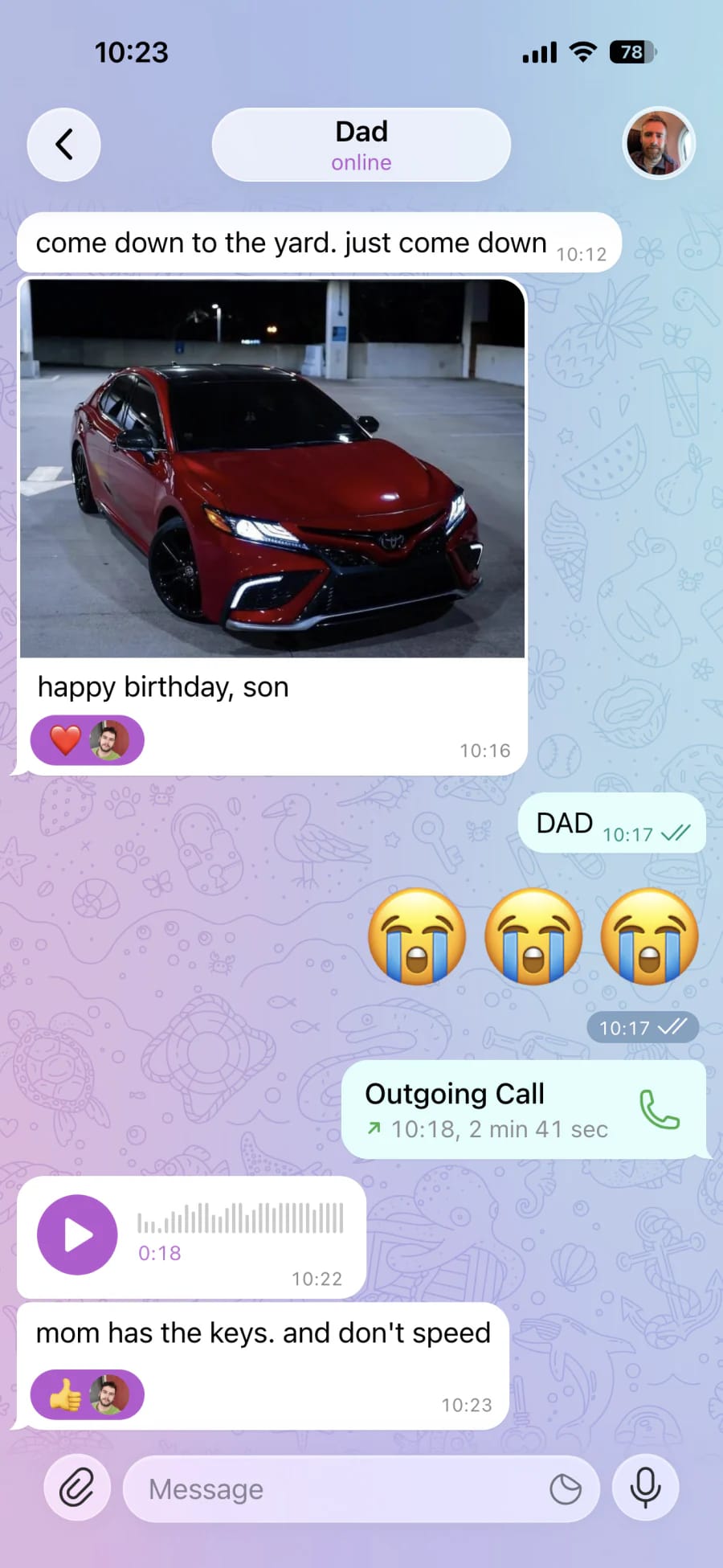
You had the perfect joke, and the screenshot killed it: Emma replies in the same second, all five messages say 14:00, and she types like a news anchor. The interface wasn't the problem — the dialog was. Below are six fake Telegram chat examples: ready-made dialogs that read like real chats, plus a breakdown of why each one works and how to adapt it.
What every dialog below gets right
The Fakegram bot draws the fonts, spacing and checkmarks exactly like Telegram on an iPhone. The details are on you:
| Detail | What looks natural | How to set it in the bot |
|---|
| Message times | Gaps of a few minutes, not everything in one minute | A button on the message, or right in the text: (23:15) |
| Date | "Today" or a date ("October 12") above the chat | «Add element» → «Date» |
| Contact | A name and face that fit the country and age | Name generator, a database of 2,000 faces, status picked at generation |
| Media | A voice message, call or sticker instead of a fifth line of text | «Add element»; stickers and emoji — just send them to the bot |
| Status bar | Phone clock later than the last message | Set at generation — automatically or manually |
| Writing style | Typos, "lol", no periods at the end | That's all you — the bot won't correct anything |
Fake Telegram chat examples: 6 ready dialogs
1. The late-night "you up?"
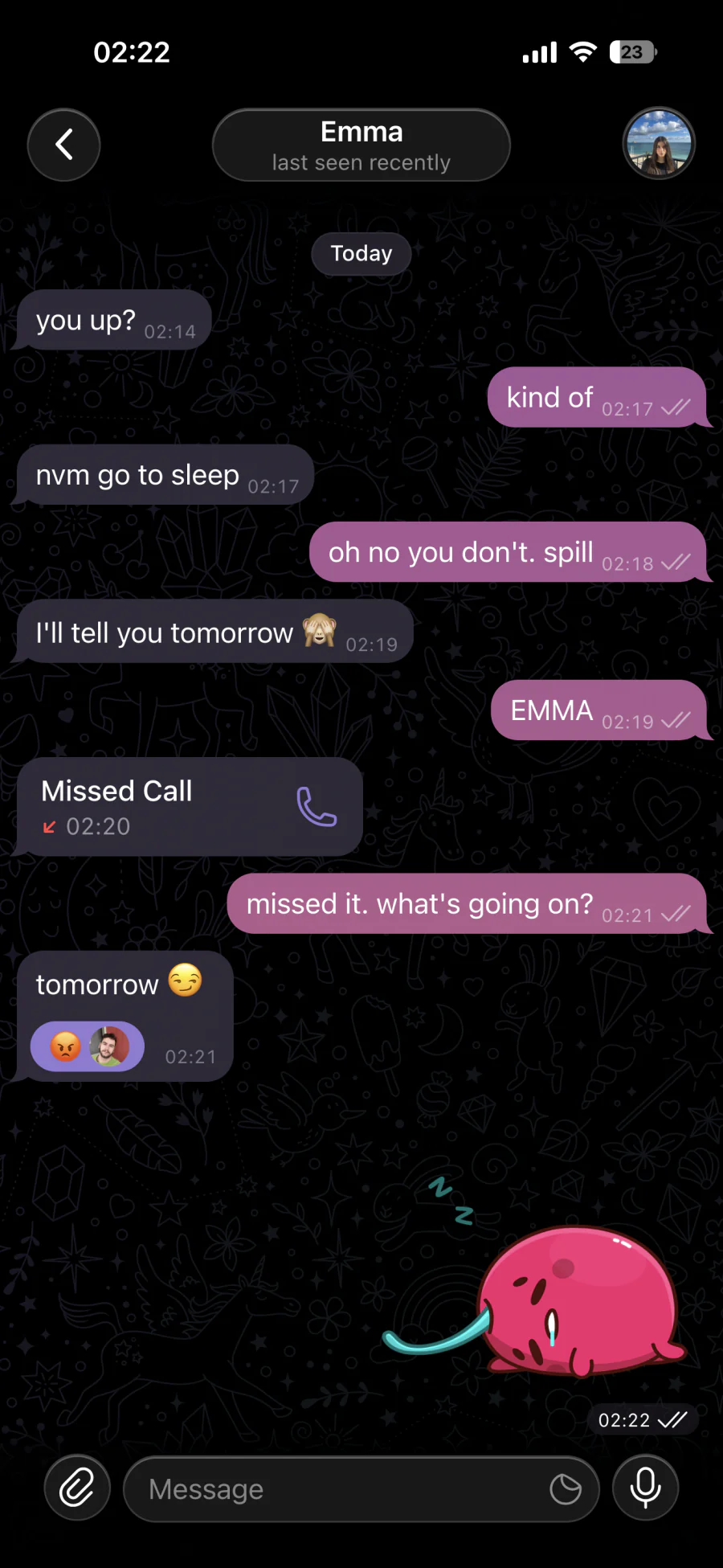
It works because of what's left unsaid and the three-minute delay before the first reply — you were actually falling asleep. Add the call through «Add element».
2. Mom vs. technology — a meme for your story
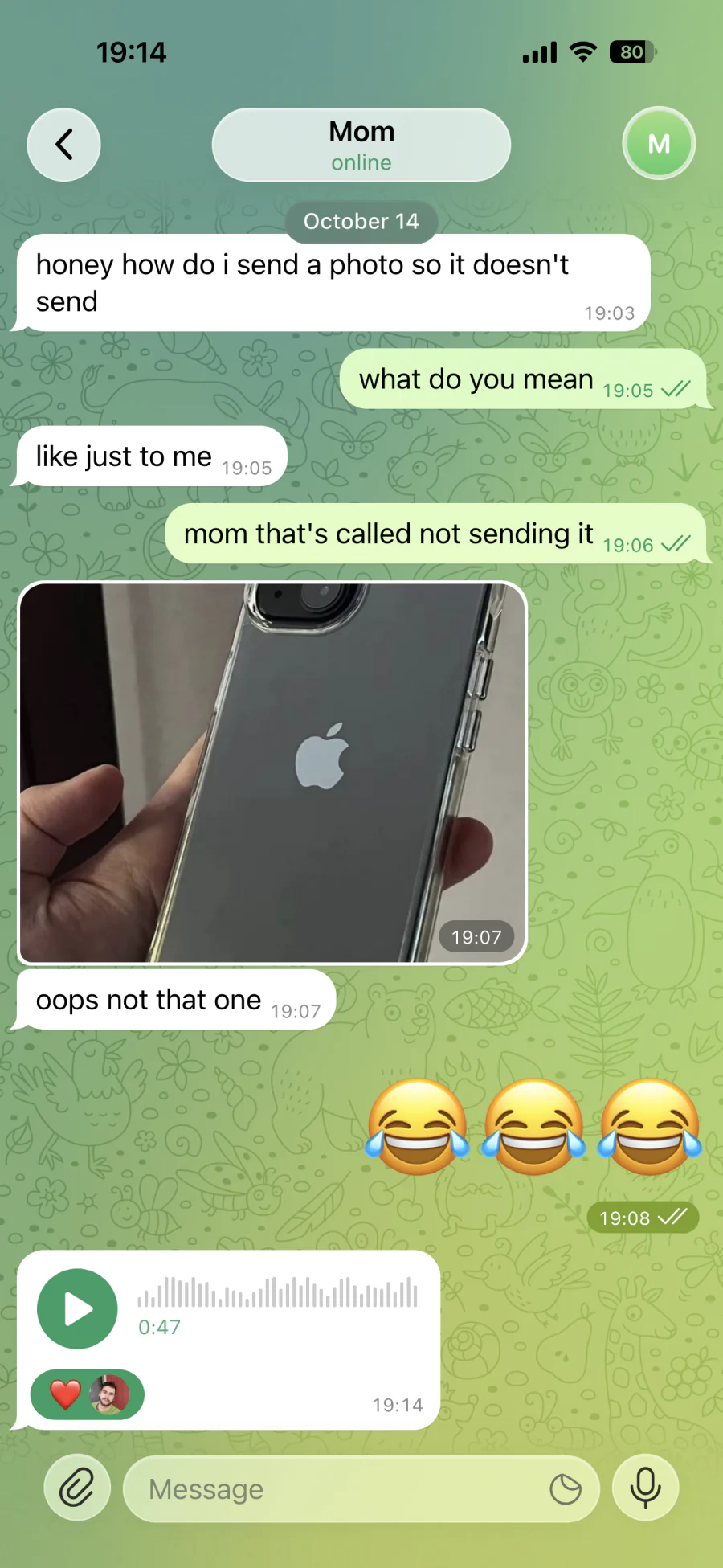
Six minutes of silence followed by a 47-second voice message is the best line in the whole chat. Mom doesn't need punctuation. The date above the chat comes from the «Date» element.
3. The boss — a birthday surprise for a coworker
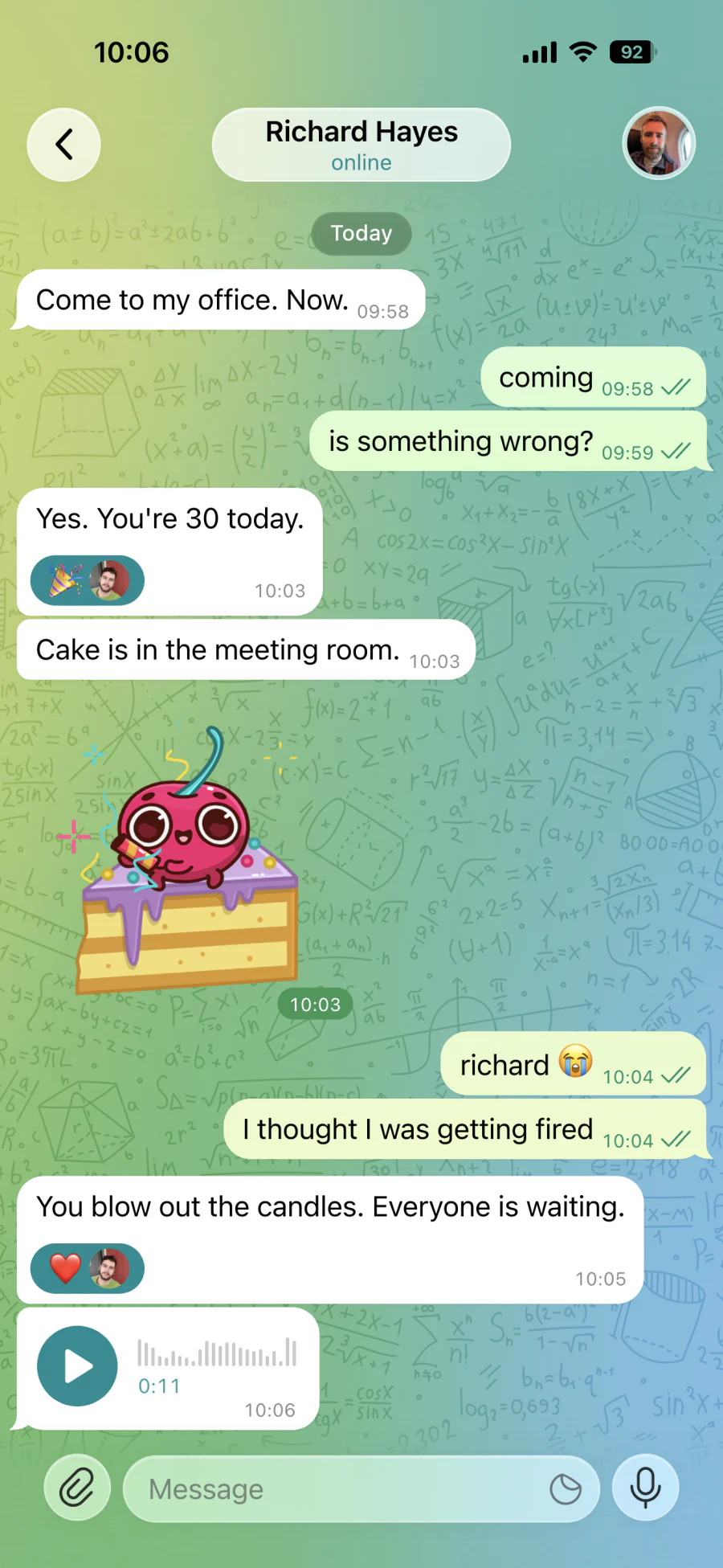
The whole effect is the four-minute pause before the twist. The boss uses full stops, you don't — two writing styles make two different people.
4. The delivery guy — a skit for Reels and TikTok
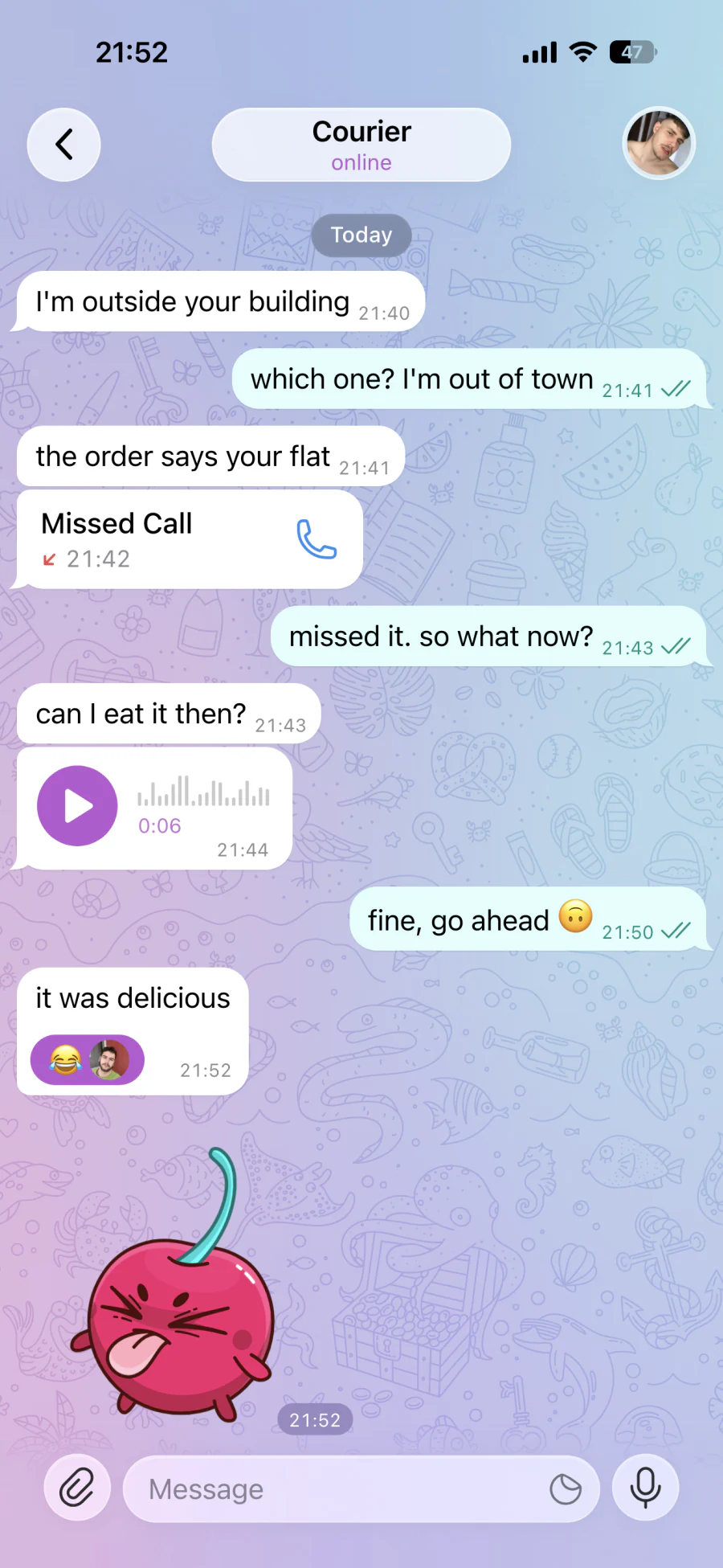
Split it into 2–3 screenshots and save the punchline for the last one — a single generation gives you up to 10. Making a video? In the browser-based chat generator (beta) you see the whole conversation as you build it and can record it as an MP4.
5. A contact from another country
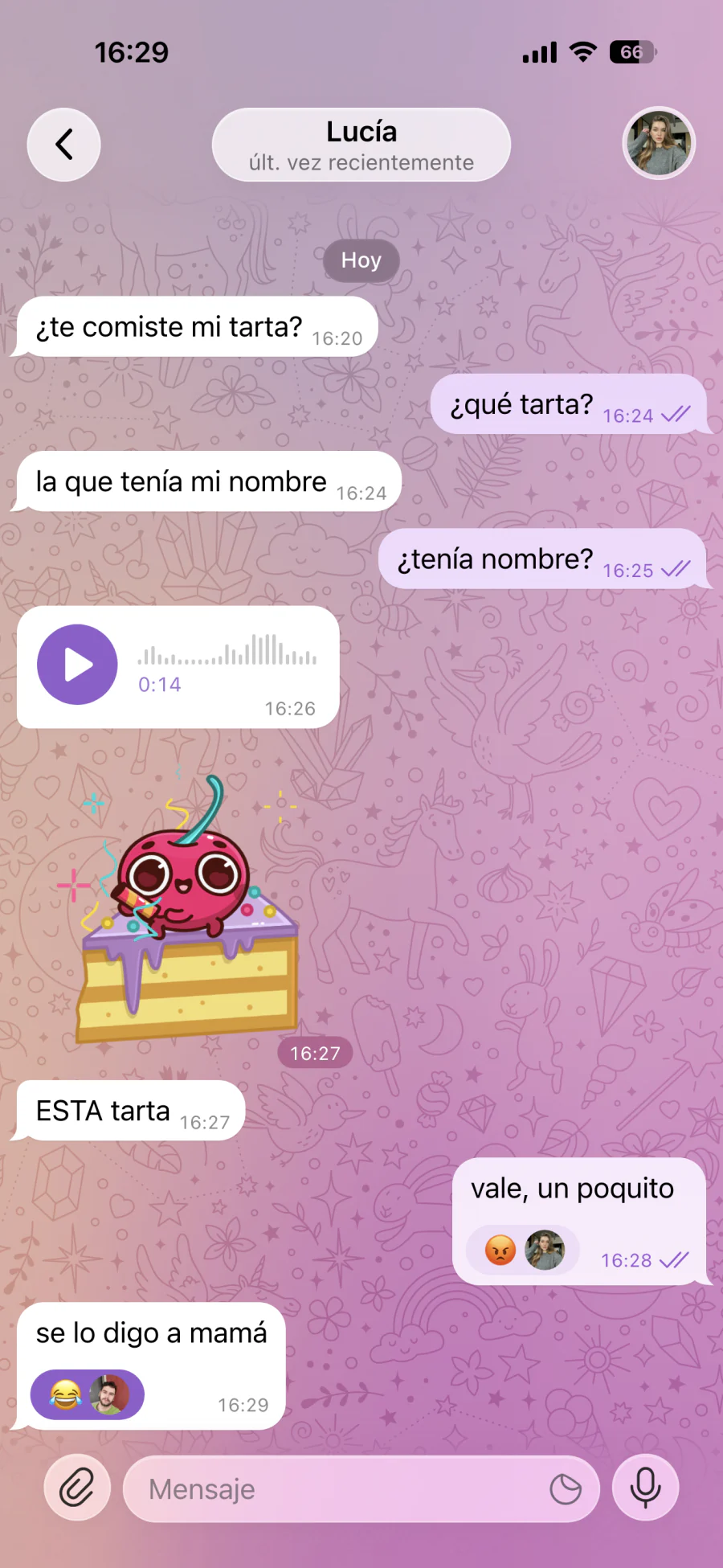
Write the dialog once, and the built-in auto-translation renders the screenshot in any of the available languages. Take the name from the name generator for that country. For more on building a contact who isn't a real person, see a fake chat with anyone: name, photo and status.
6. A secret under blur — "guess what it says"
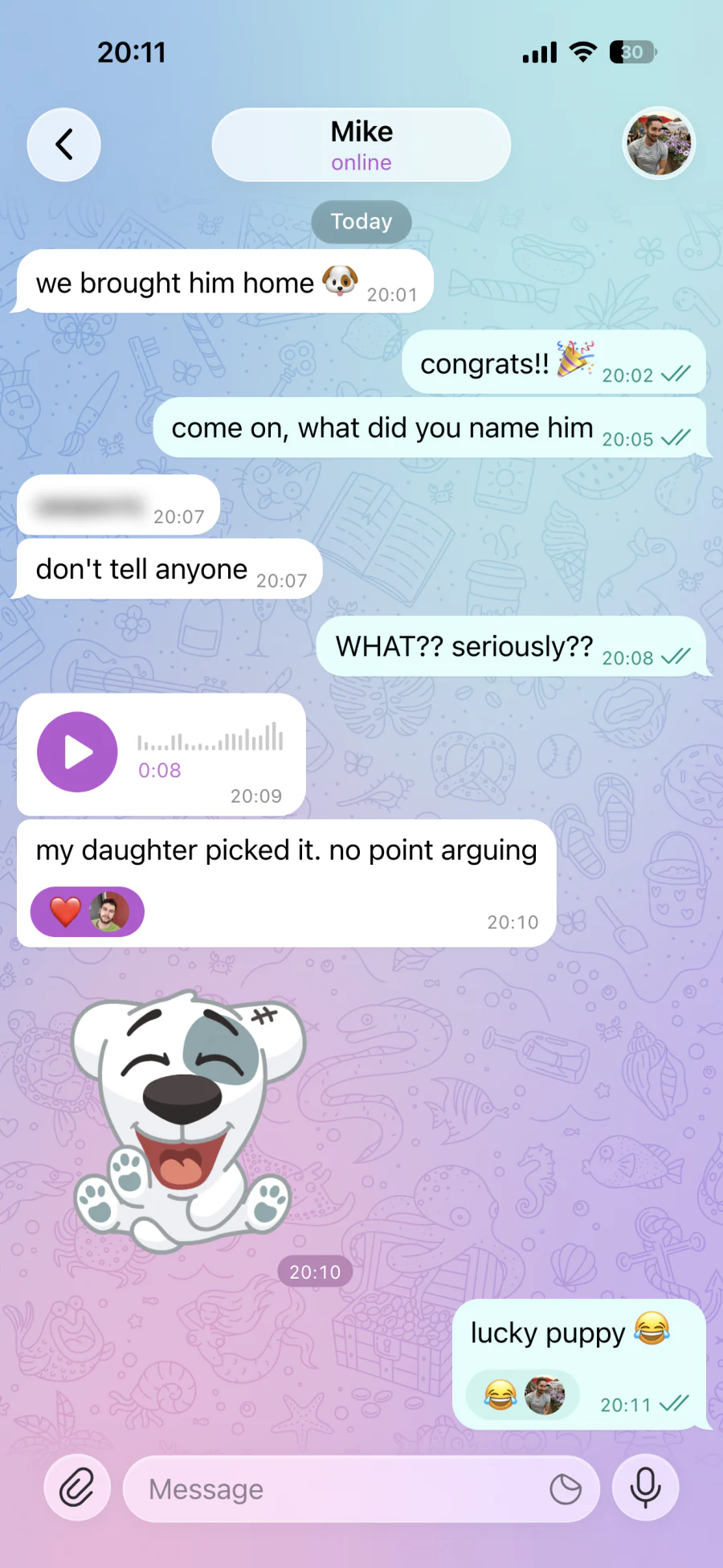
Wrap the word in curly braces: {Waffles} — it shows up blurred on the screenshot. Blur is free, and a story like this fills your replies with guesses.
How to turn a dialog example into a screenshot
- Open the bot and tap «Start».
- Send the bot your lines one at a time — text, stickers, custom emoji, images. Add the time right in the text: are you home? (23:15). This works for text messages only.
- Use «Add element» to insert a date, a call or a voice message. Elements marked with an asterisk * require tokens or a subscription — see what's free and what's paid.
- Tap «Create screenshot», then choose the contact's status and the status bar time.
- Check the watermarked preview. Date in the wrong spot? Tap «Message order».
- Get your screenshot — about 30 seconds after you hit the button.
For every step in detail, read how to make a fake Telegram chat in 5 steps.
Scenario picked? See how it looks on screen:Turn a dialog into a screenshot in 30 secondsMake it in the browser
When you write your own dialog: 5 mistakes
- Bunched-up timestamps — five messages in the same minute. Leave 1–4 minutes between replies, more before a long one.
- Status bar earlier than the messages — the phone says 23:40, the last message says 23:52. The clock at the top can't be earlier than the last line.
- Too-clean writing — zero typos across 10 messages. Add one "u" or a missing comma every 3–4 lines.
- Wall of text — 8 lines in a single bubble. Break it into 2–3 messages.
- One voice for two people — both sides write the same way. Give each a habit: periods, "lol", emoji.
These dialogs are for jokes, stories, skits and mockups — passing a screenshot off as a real conversation is not okay. Where the line is and why: what a fake Telegram chat is and when it's legal.
FAQ
Can I take a dialog from here as is?
Yes. Send the lines to the bot one by one and put each time in brackets at the end: you up? (02:14). Swap the names for ones that fit your friends — the same dialog with familiar names lands better.
Should I keep the typos and lowercase?
Yes, they're part of why the examples work. The bot shows your text exactly as you type it and won't correct anything.
My dialog is long — how do I split it?
Break it into 2–3 screenshots of 4–6 lines and keep the punchline for the last one. One generation gives you up to 10 screenshots.
Can the bot write the dialog for me?
Yes, on the Ultimate AI plan: AI dialog generation and uploading a ready-made dialog as a file.